
moho
Read the guideMoho Tutorial: 360° Body Turn and Character Turnaround
Follow Femtech’s Moho Pro body-turn lesson and practise front, side, back and three-quarter character views.
Choose a topic and build one animation skill at a time.
Learn 3D animation with Autodesk Maya through our dedicated video playlist. Watch the tutorials here or open the full series on YouTube.
Open full playlist on YouTubeFollow Femtech’s Moho Pro body-turn lesson and practise front, side, back and three-quarter character views.
Watch Femtech’s hand rigging lesson in Moho 14, from a basic rig to advanced Smart Bone controls.
Follow Femtech’s video lesson on automatic lip sync in Moho and practise with a short voice recording.
Watch Femtech’s beginner walk cycle lesson in Moho Pro and practise a short looping character walk.
Follow Femtech’s smartphone lesson on creating Rico-style animation with FlipaClip.
Watch a short Femtech demonstration about walking in a Plotagon scene, then try it in a small practice project.
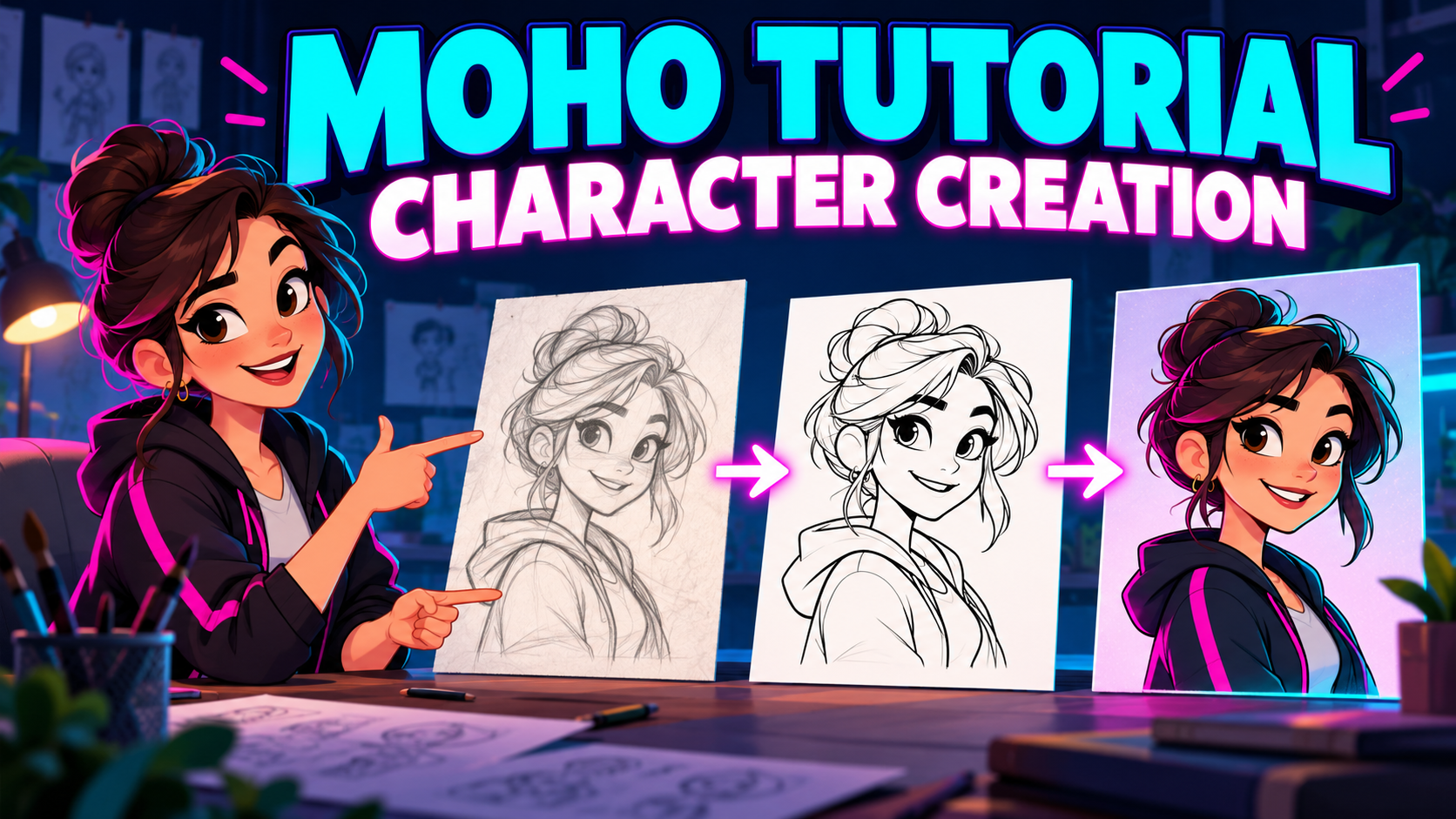 Read & practise
Plan a character, separate the moving parts and prepare your artwork for animation.
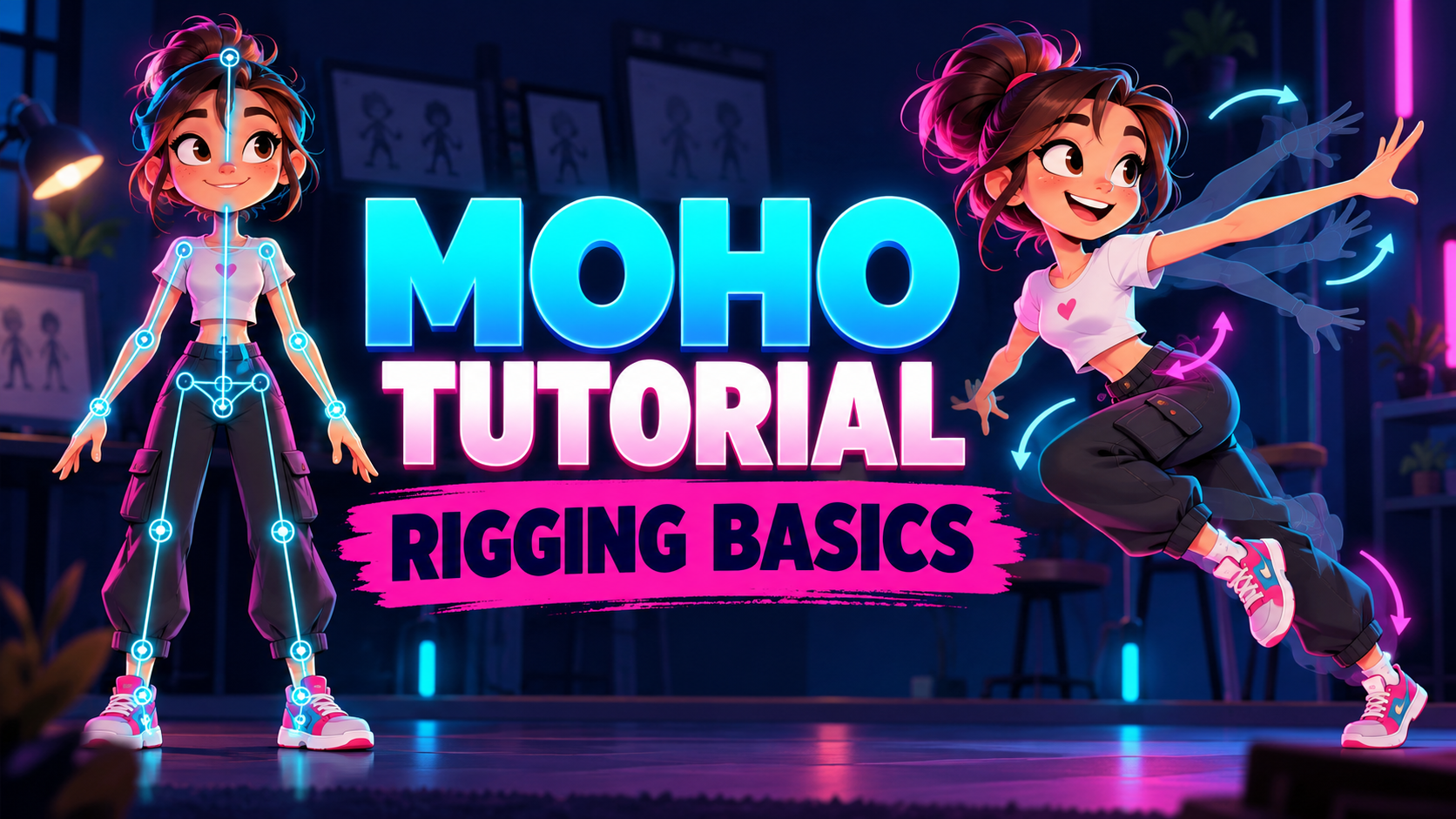 Read & practise
Understand bones, parenting and the checks that make a character rig easier to animate.
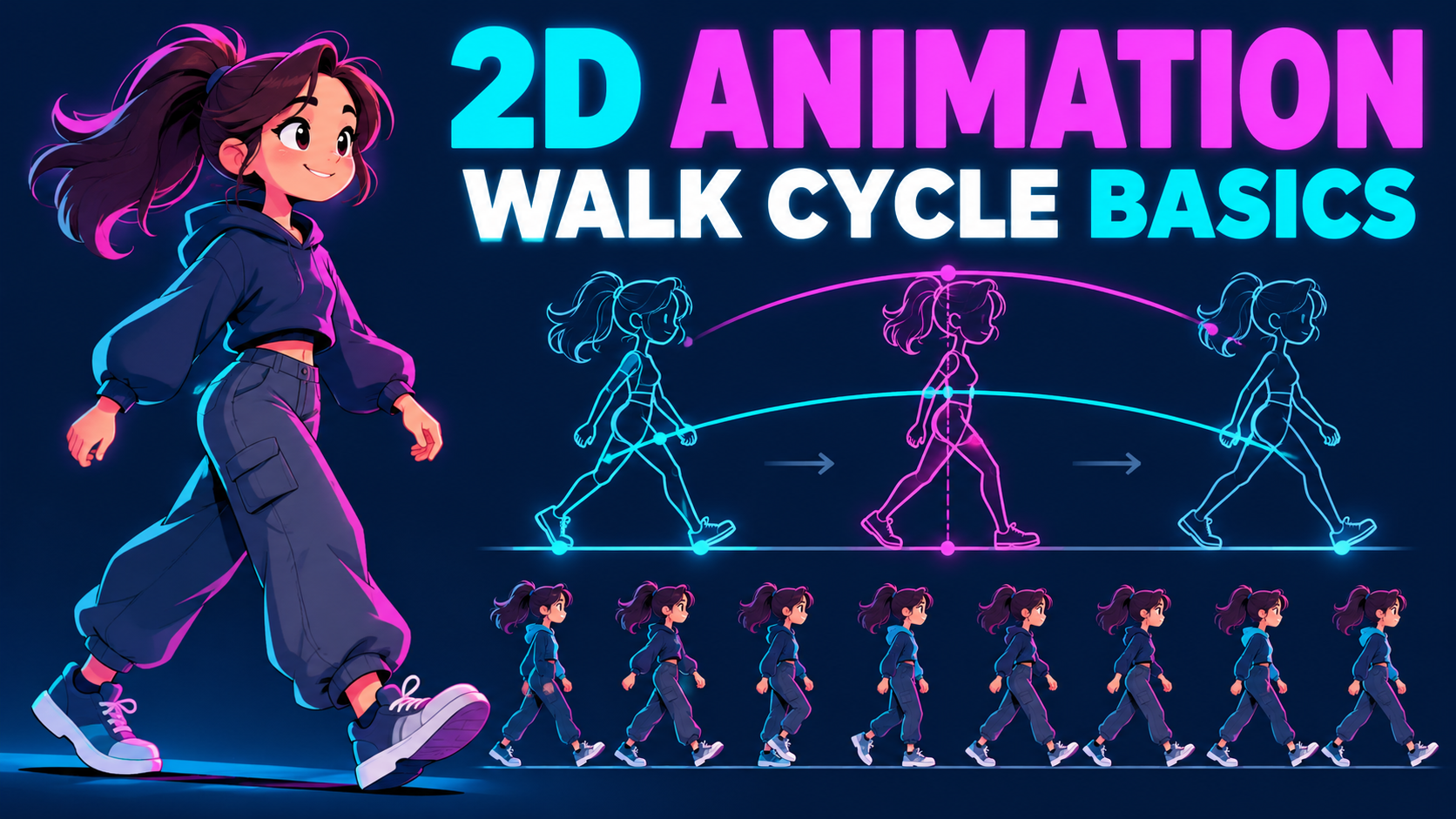 Read & practise
Use contact, passing and opposite poses to understand the rhythm of a convincing walk.
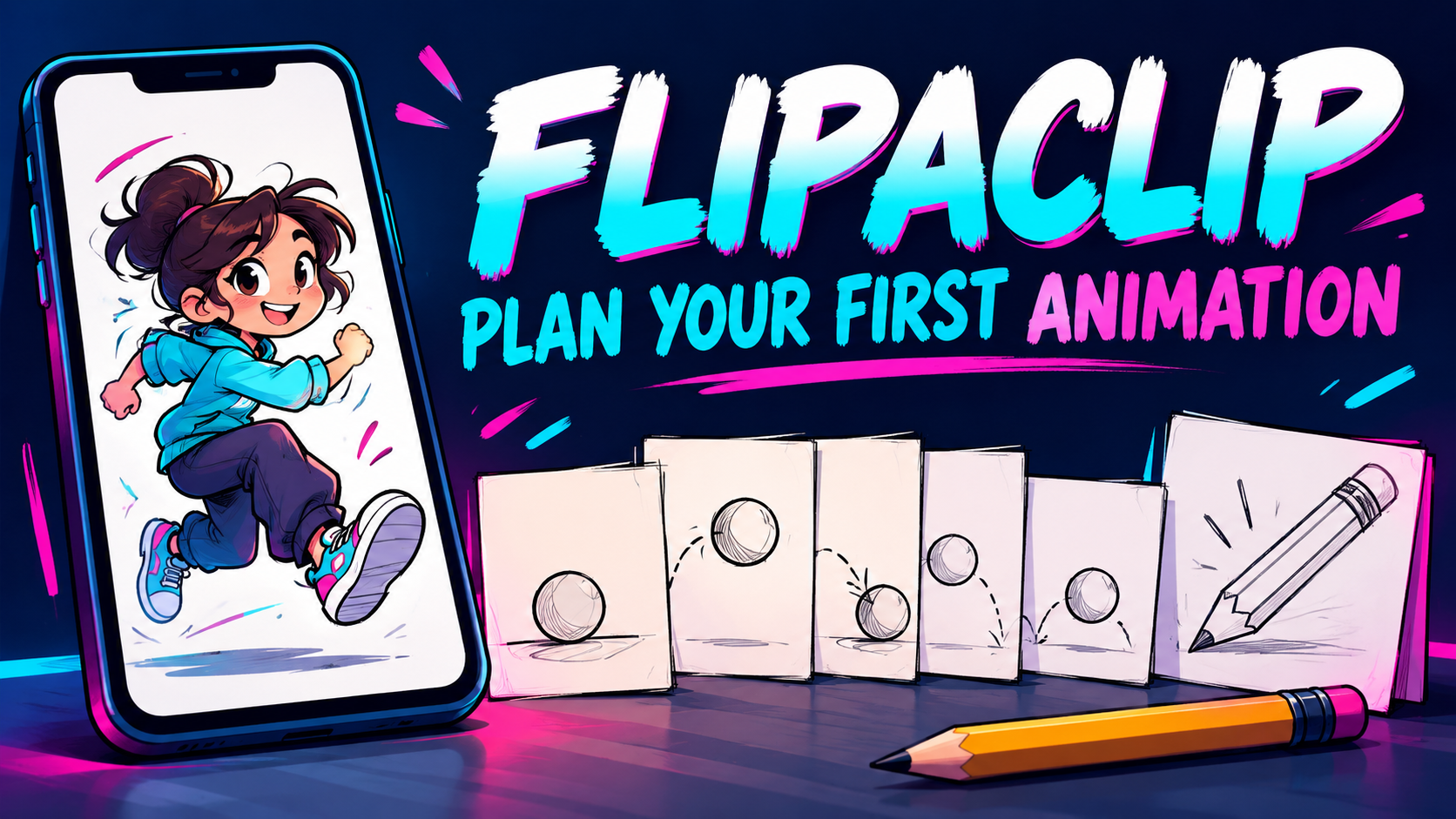 Read & practise
Start small with a clear action and a few carefully planned drawings.
 Read & practise
Write a focused exchange and make character choices that support the story.
Choose a course that fits your device and where you are today.